
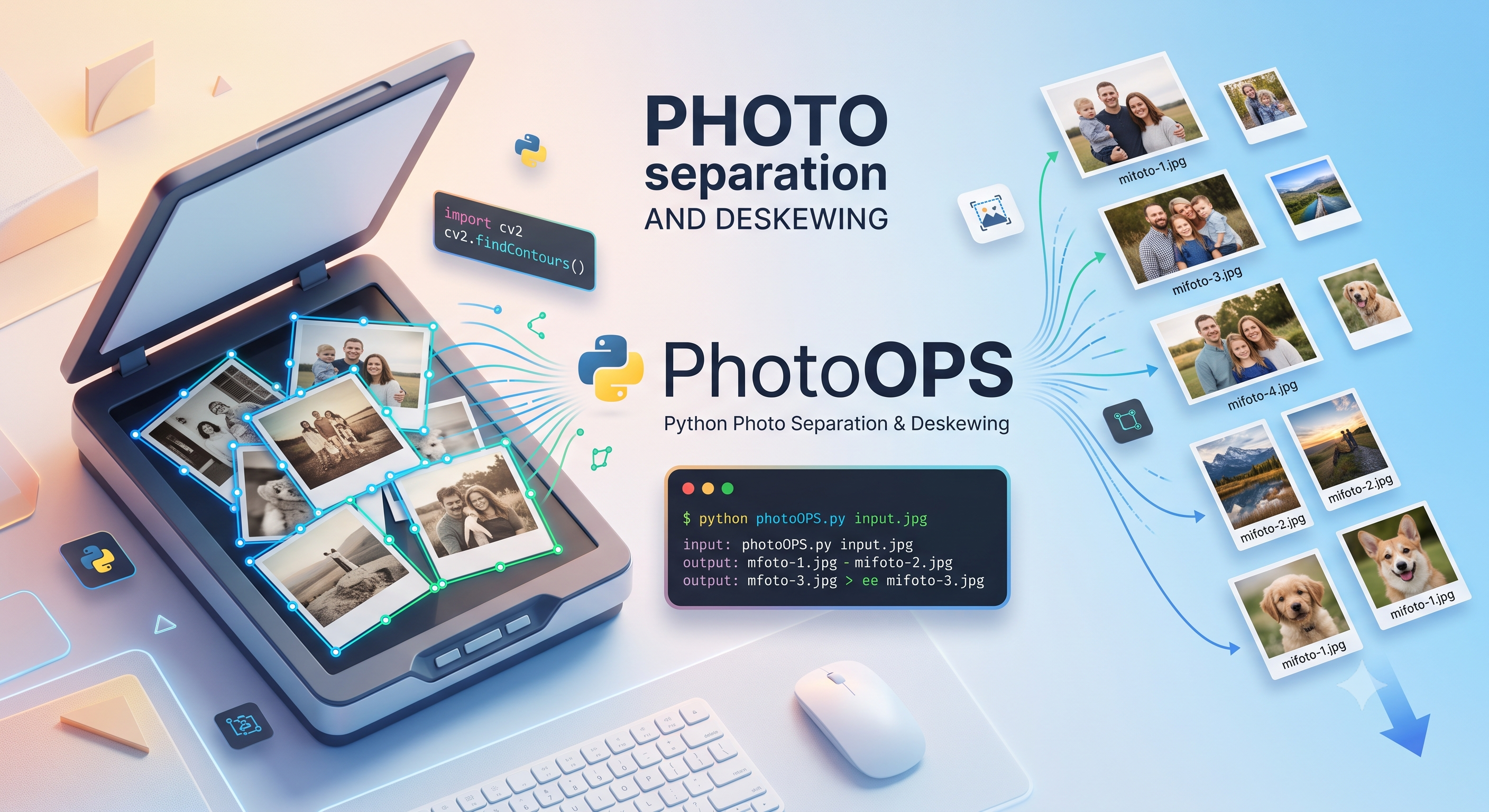
How I stopped burning weekends turning paper photos into JPEGs one by one.
📸 From a Shoebox of Memories to a Tiny OpenCV Script
I didn’t plan to write a tool. I planned to scan photographs.
It started the way these things usually do — with a cardboard box that came out of my parents’ attic. Inside: a few hundred paper photographs, some in envelopes, some loose, some stuck together with the kind of tape that nobody should trust after 1985. My grandmother’s wedding. My uncle as a teenager. A blurry beach in Galicia where everyone is squinting into the sun. The kind of stuff you cannot afford to lose, but which has been slowly yellowing for thirty-plus years.
The plan was simple: buy a small flatbed scanner, scan everything at 600 DPI, back it up to the cloud, breathe again. A weekend, maybe two.
It was not a weekend.
The bottleneck nobody warns you about
Anyone who has scanned old photos knows the rhythm. Lift lid, place photo, align by eye, close lid, scan, lift lid, place next photo, repeat. Half of every scan is alignment. A photo two millimeters off-center is a photo your great-niece will eventually rotate on her phone anyway, but those two millimeters feel like a personal failure every single time.
After about an hour of this, my back hurt, my eyes hurt, and I had produced exactly forty pictures. At that rate the whole box would take me a month.
So I tried something stupid: I threw four photos on the scanner at the same time, one per quadrant, slightly overlapping the corners because — why not — let’s just get this over with. I hit scan.
What came back was, predictably, chaos.
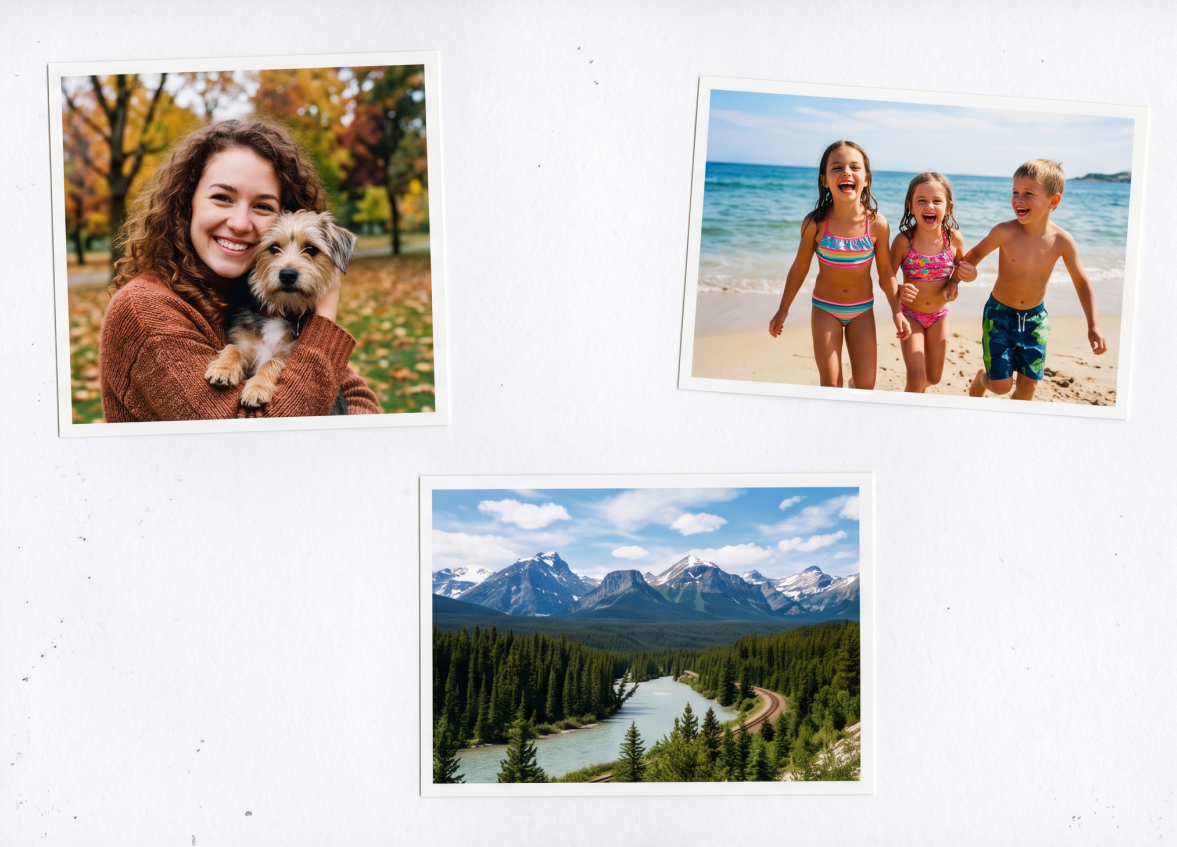
One scan, four photos, four different angles. Welcome to envelope #3.
I now had two problems:
- How to actually separate those four photos.
- How to un-tilt them, because nothing in that image was straight.
A small idea, written in an afternoon
I knew this was a solved problem in computer vision. I knew I did not need a model, a GPU, or a PhD. I just needed to:
- find the outlines of every photo,
- figure out the angle each one was sitting at,
- rotate the original image to neutralize that angle,
- crop the result.
OpenCV does all of those things in roughly twenty lines of Python. So that afternoon, between coffee refills, I wrote PhotoOPS — a single-file script that does exactly what I described, no more and no less.
The pipeline, in plain English:
- Read the scan.
- Convert to grayscale, blur slightly to kill paper grain.
- Run a Canny edge detector.
- Dilate the edges to close small gaps.
- Find the external contours — those are the photos.
- For each contour, compute the minimum-area rotated rectangle, which gives you the photo’s center, size, and tilt.
- Fold the angle into a friendly range (so the photo doesn’t get stretched) and warp the original image around that centroid.
- Crop the straightened region with sub-pixel accuracy and save it.
That’s it. No ML. No dependencies beyond opencv-python. No web server, no dashboard, no config file.
python photoops.py example.pngRunning it on the chaos above produces:
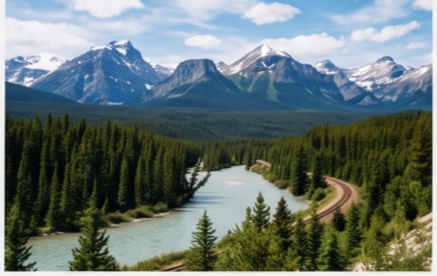
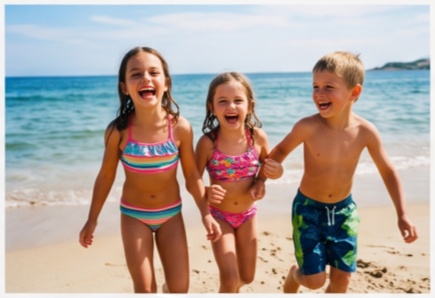
Three deskewed, individually cropped photos — straight, named, and ready to file.
…and prints a one-liner per photo with its dimensions and the angle that was corrected. The console output is the progress report and the proof that nothing was missed.
What it changed for me
The change wasn’t dramatic. I didn’t ship a startup. I just stopped dreading the attic box.
- Speed. Batch-scanning four, six, sometimes eight photos per pass means a shelf of envelopes now takes an evening, not a month.
- Quality. Every photo comes out straight, sub-pixel aligned, and cropped to the photo’s actual edge — not the rectangle I almost put it in.
- Focus. The interesting part of the job is now looking at the photos, not fighting with the scanner lid.
I finished the box last weekend. There are six more boxes.
What it might be for you
If any of this sounds familiar — old family prints, an archive of analog work, a stack of slides you keep meaning to digitize — the tool is intentionally boring:
- One Python file you can read in five minutes.
- One dependency (
opencv-python). - A 600-line README, generously over-documented, with installation, CLI usage, and the full pipeline explained.
- MIT-licensed, on GitHub.
It’s not magic. It won’t OCR handwritten notes on the back, it won’t color-correct a faded print, and it won’t help if a photo is torn across a contour. But for the boring, repetitive, alignment-heavy 90% of the work, it returns that time to you — so you can spend it on the part that’s actually irreplaceable: looking at the people in the pictures.
If you end up forking it, sending PRs, or using it to rescue a family archive of your own — I’d love to hear about it. Happy scanning. 🖨️